
Download Monosnap – Fast Screenshot, Screen Recording & Annotation Tool for macOS
Overview – Why Monosnap Stands Out on macOS
Monosnap is a flexible, lightweight screen‑capture solution built specifically for macOS. Whether you are a casual user needing a quick snapshot or a professional designer, developer, or educator creating detailed tutorials, Monosnap delivers high‑quality images, GIFs, and video recordings in seconds. The app lives in the menu bar, providing instant, one‑click access to full‑screen, window, or custom‑region captures.
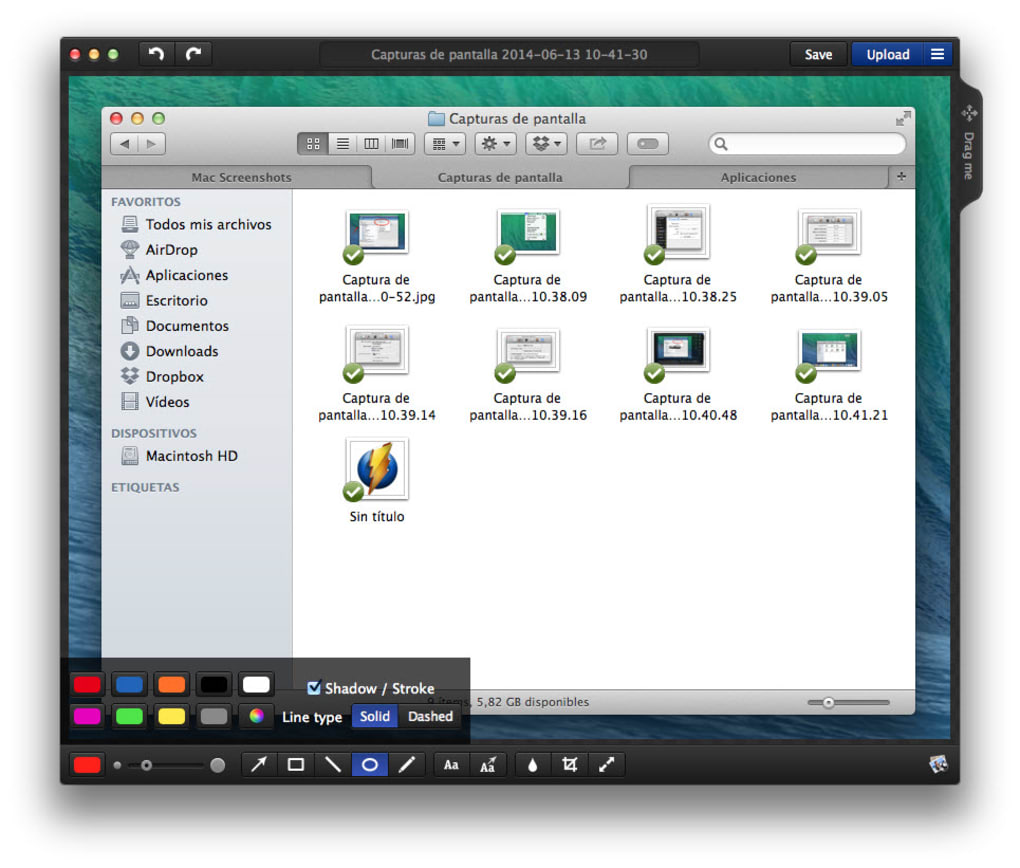
Its built‑in 8× magnifier and pixel‑level measurement tools guarantee precise screenshots, while an extensive annotation toolkit—arrows, shapes, text, blur, and color adjustments—makes it easy to highlight, explain, or conceal information. The freemium model offers essential features for free: basic annotations, GIF recording, and cloud storage on Monosnap’s own servers. For power users, paid plans unlock SFTP integration, expanded cloud space, and third‑party storage options such as Dropbox and Google Drive.
Performance‑focused and unobtrusive, Monosnap runs silently in the background, consuming minimal memory and CPU, which is ideal for long‑duration work sessions. While free users may encounter storage limits and occasional memory‑leak warnings during extended recordings, the overall experience remains stable and responsive. In short, Monosnap blends simplicity with professional‑grade capabilities, making it a go‑to app for anyone who needs fast, reliable visual communication on a Mac.
Key Features & Installation – Getting Started Quickly
Feature List
- Instant capture of full screen, active window, or custom region.
- 8× magnifier and pixel‑level measurement for pixel‑perfect screenshots.
- Rich annotation toolkit: arrows, shapes, text, blur, color picker, and drawing.
- Screen recording to MP4 or GIF, with frame‑by‑frame control.
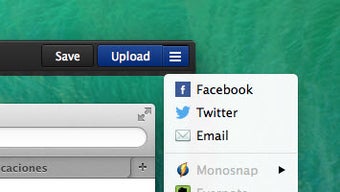
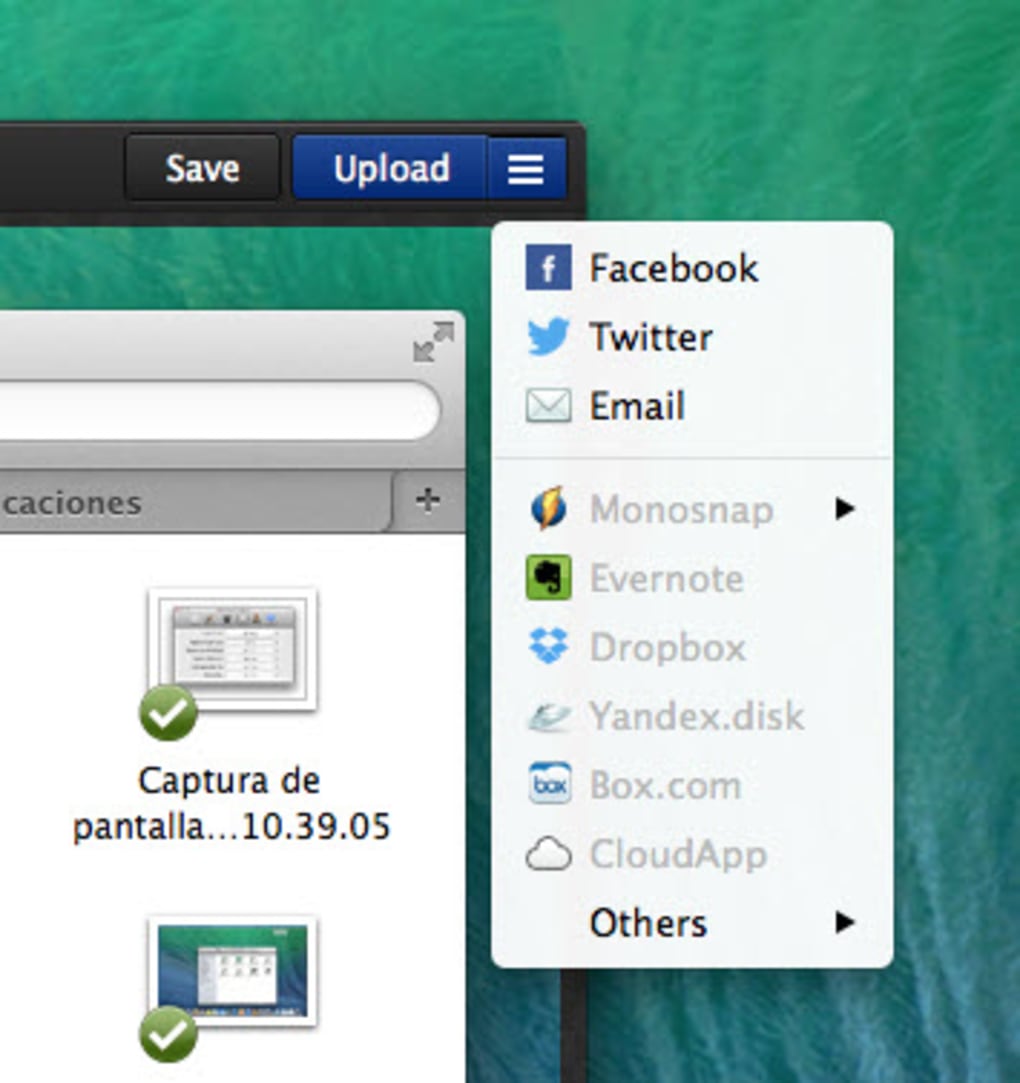
- One‑click upload to Monosnap cloud, with shareable links and expiration dates.
- Free tier includes 5 GB of cloud storage; paid plans add up to 200 GB.
- SFTP, Dropbox, Google Drive, and OneDrive integrations (paid only).
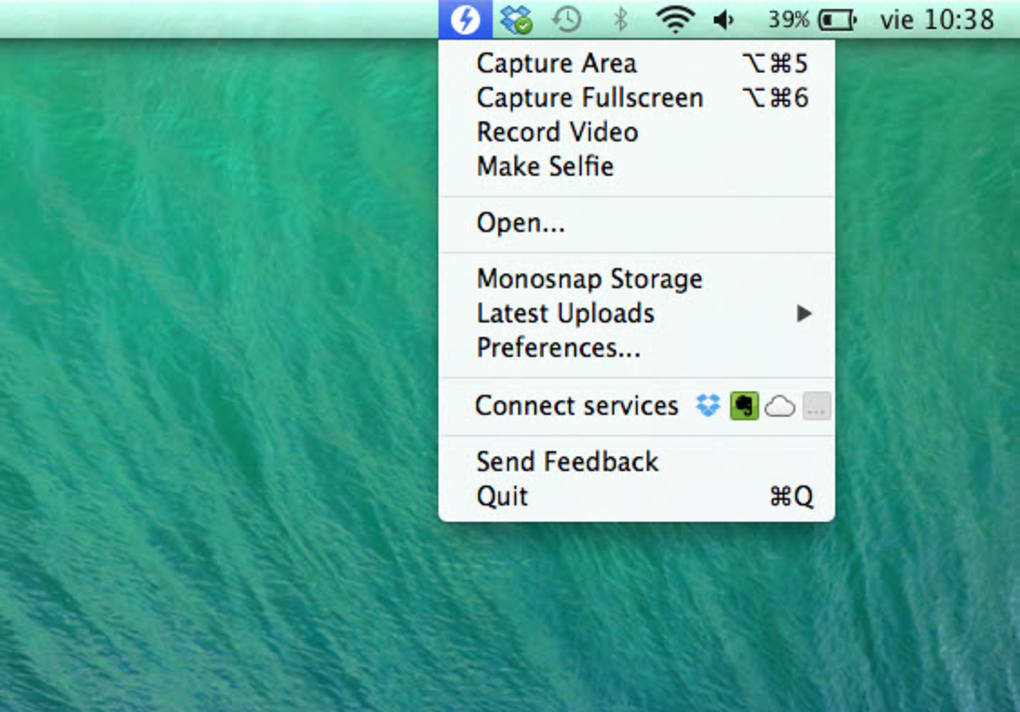
- Customizable keyboard shortcuts and menu‑bar shortcut for rapid access.
- Cross‑device synchronization via Monosnap account.
- Lightweight background daemon ensuring fast launch and minimal resource use.
Installation & First‑Run Guide
Downloading and installing Monosnap is straightforward. Visit the official Monosnap website and click the “Download for Mac” button. The installer is a standard .dmg file; open it and drag the Monosnap icon into the Applications folder. macOS may warn you about an unidentified developer; simply allow the app in System Settings → Privacy & Security → Allow apps downloaded from the App Store and identified developers.
After launching Monosnap for the first time, you’ll be prompted to create a free account or sign in with an existing one. This step activates cloud syncing and sharing features. Next, configure your preferred capture mode by clicking the Monosnap icon in the menu bar. You can set default shortcuts for screen capture (⌘⇧5) and recording (⌘⇧6), adjust the default file format, and choose whether captures are saved locally, uploaded to the cloud, or both.
For professionals who need SFTP or third‑party cloud integration, navigate to Preferences → Advanced**. Here you can add SFTP credentials, link Dropbox/Google Drive accounts, and increase your cloud quota by selecting a paid plan. Once configured, all future captures will respect these destinations automatically, streamlining your workflow without additional manual steps.
Compatibility, Pros & Cons – What Works and Where It Falters
Operating System Compatibility
Monosnap is officially supported on macOS 10.13 (High Sierra) and later, including macOS Ventura and macOS Sonoma. The app runs natively on Apple Silicon (M1, M2) and Intel‑based Macs, offering comparable performance across both architectures. While a Windows version exists, this review focuses on the macOS experience, which benefits from tighter menu‑bar integration and system‑level shortcuts.
Pros
- Fast, one‑click capture from the menu bar.
- Precise magnifier and measurement tools for pixel‑perfect screenshots.
- Rich annotation suite that eliminates the need for third‑party editors.
- Screen recording to MP4 or GIF without additional software.
- Generous free tier with 5 GB cloud storage.
- Customizable shortcuts and lightweight background service.
- Secure cloud uploads with password‑protected links and expiration dates.
Cons
- Free plan limits cloud storage and disables Dropbox/Google Drive integration.
- Occasional memory‑leak warnings during prolonged recording sessions on older Macs.
- No native Windows client in this review (macOS‑only focus).
- Advanced features (SFTP, extended storage) require a paid subscription.
- Interface, while clean, can feel minimalist for users accustomed to feature‑heavy editors.
Review Summary
FAQ & Conclusion – Your Final Guide to Monosnap
Is Monosnap free to use?
Yes, Monosnap offers a free tier that includes basic screenshot and GIF recording, annotation tools, and 5 GB of cloud storage. Advanced features such as SFTP integration and additional cloud space require a paid subscription.
Can I record video in addition to screenshots?
Absolutely. Monosnap supports screen recording to both MP4 and GIF formats. You can start a recording from the menu bar or using a custom keyboard shortcut, then stop it to save or upload instantly.
Does Monosnap work on Apple Silicon Macs?
Yes. The application runs natively on M1 and M2 chips, delivering the same fast capture speed and low memory usage as on Intel‑based Macs.
How secure are the uploaded files?
Monosnap uses HTTPS for all uploads, and you can protect shared links with passwords and set expiration dates. Paid plans also allow private SFTP transfers for added security.
Can I integrate Monosnap with Dropbox or Google Drive?
Integration with third‑party cloud services is available, but only for paid subscribers. Once enabled, captures can be automatically saved to your linked Dropbox or Google Drive account.
Conclusion – Should You Download Monosnap?
Monosnap strikes a rare balance between simplicity and power. Its intuitive menu‑bar access, precise capture tools, and robust annotation suite make everyday screenshots effortless, while the built‑in MP4/GIF recorder and cloud sharing features satisfy the needs of professionals creating tutorials, bug reports, or marketing assets. The free version is generous enough for most casual users, and the paid plans unlock a truly enterprise‑ready workflow with SFTP, expanded storage, and third‑party integrations. If you are looking for a fast, secure, and macOS‑optimized screen‑capture solution that won’t bloat your system, Monosnap is a top contender. Download Monosnap today and start creating clear, shareable visuals in seconds.







